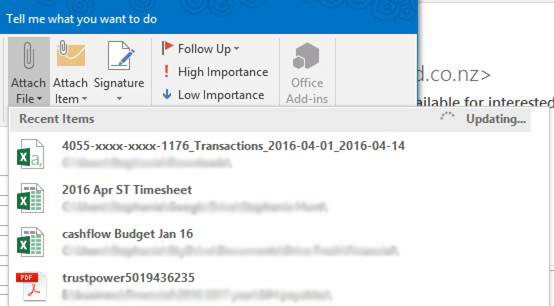
Attaching a recent file you’ve been working on to an email in Outlook 2016 is quick and easy. Simply follow the steps below to find out how
- Create a message, or for an existing message, select Reply, Reply All, or Forward.
- On the Insert tab, select Attach File
- Select the file you require from the dropdown list under Recent items