

Have you noticed that Excel 2013 workbooks only contain 1 default worksheet? Previously if you created a new workbook in Excel you were given 3 worksheets by default. If you are unsure about how to create extra worksheets, please follow our three steps outlined below.
- Select the Plus (button) to the right of the existing Worksheet(s)

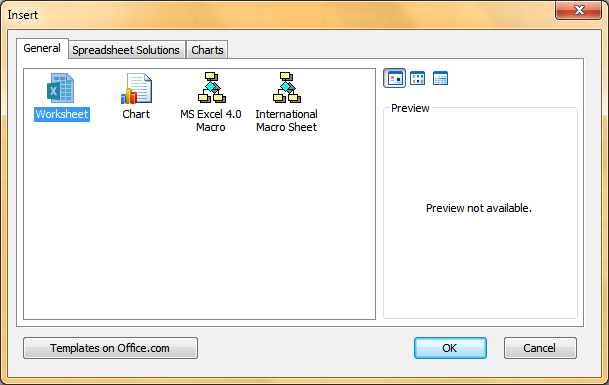
- Select Worksheet and select OK
- To re-name the sheet double click on the Sheet name and type a new name. Press Enter or select a cell to move back to your worksheet
